
Essterm 1.0: Essbase Ad Hoc in Your Terminal, Now Open Source
Back in 2017 I introduced Essterm, a terminal-based ad hoc client for Essbase, by asking whether you had ever wished you could do multi-dimensional analysis in a terminal, the way the Pilgrims did it. I also said I would probably release it as open source “sometime later this year.”
Reader, it was not later that year.
It is, however, now. Essterm is on GitHub under the Apache 2.0 license, and there is a 1.0.0 release with a runnable jar you can download and point at your own server.
What it does
Here it is connecting to a cube, drilling around, opening member selection and fiddling with the ad hoc options:

Everything you would expect from an ad hoc client is in there: zoom in, zoom out, keep only, remove only, pivot, pivot to POV, a real member selection dialog that browses the hierarchy, and an options dialog modeled on the Display and Zoom tabs of the classic Essbase Options dialog. It remembers recent connections, so getting back to a cube is two keystrokes. There is even a key to run a calc script, because if you are already living in a terminal you may as well commit.
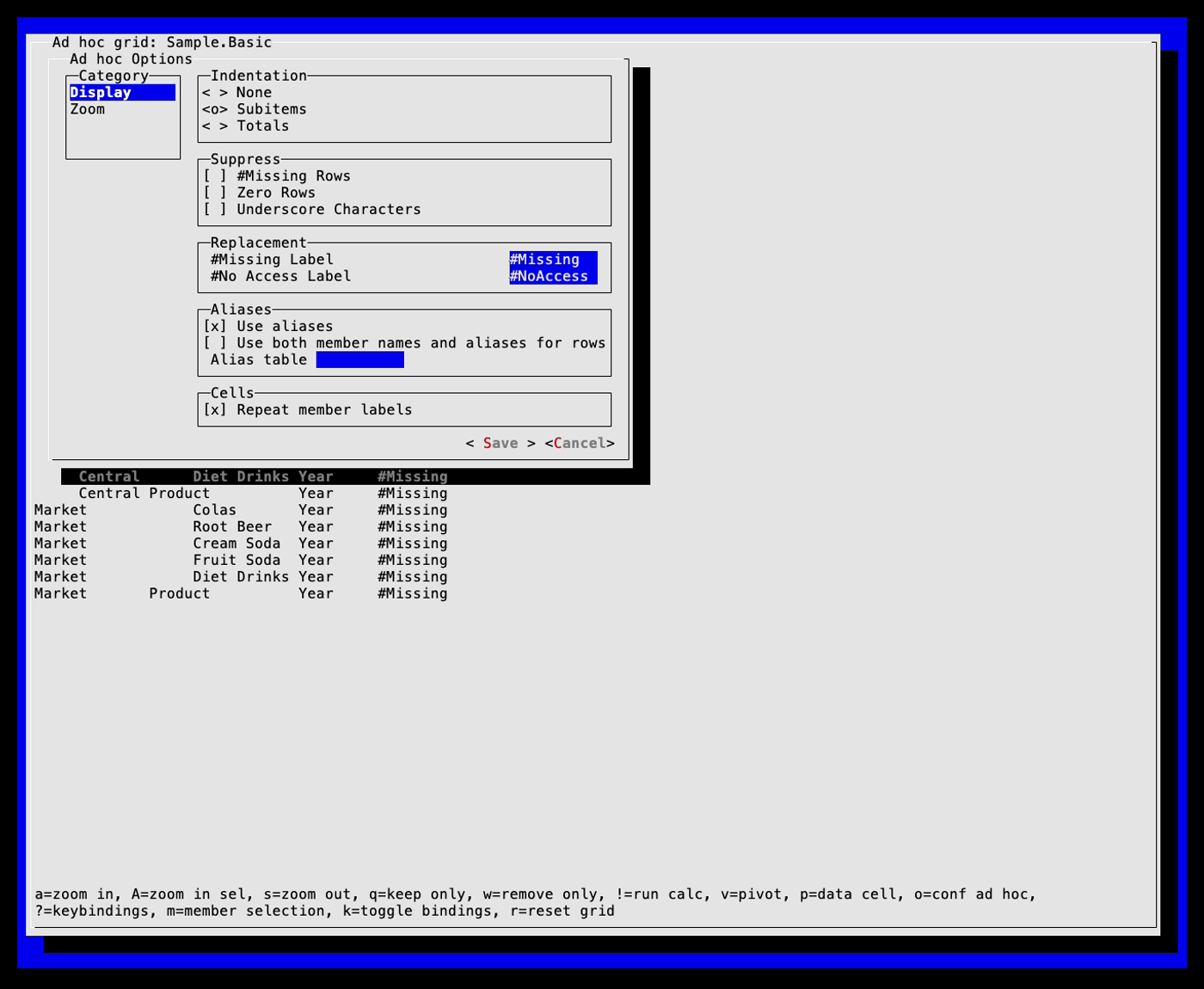
Here is the same grid then and now. The 2017 one comes first. It has numbers in it.

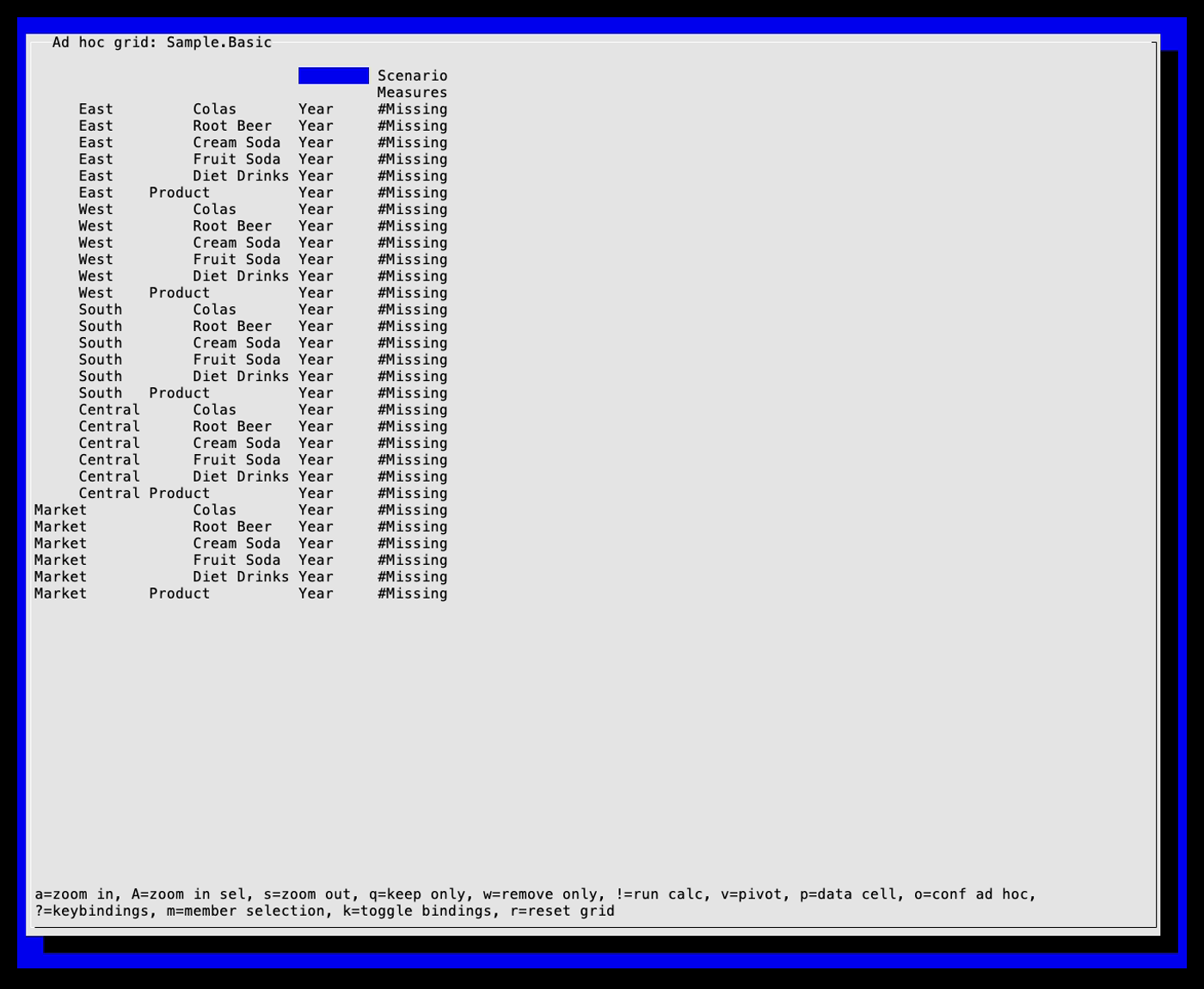
The 2026 one is zoomed into two dimensions at once, which is new, and every cell says #Missing,
because nobody loaded data into this Sample.Basic. It is a very faithful rendering of nothing.
No Essbase JARs required
The original Essterm was built on the Essbase Java API, which meant the first step of trying it was tracking down the right Oracle JARs for your server version and getting them onto the class path. That was never a fun conversation to have with anyone.
Essterm 1.0 talks to Essbase over the REST API by default. You point it at your server’s normal HTTPS endpoint, log in, and go. No APS, no JAPI, no Oracle software on your machine at all.
If you do want the Java API – because you are on a version where it is what you have, or you want
to compare the two – it is still there as an opt-in. Oracle’s JARs are not on Maven Central and
are not mine to redistribute, so a standard build never touches them. Build with
mvn package -Pjapi against JARs you have installed locally and the option lights up. Without
them, the Connect dialog greys the Java API choice out and tells you why, rather than falling over.
Getting started
You need Java 17 or newer, and an Essbase server to point it at. Essterm is a client, not a sandbox. If you do not have a server handy, the Essbase 21 on Docker guide will get you one.
-
Download the latest
essterm-*.jarfrom the releases page. -
Run it:
java -jar essterm-1.0.0.jar -
Pick Connect to a cube, enter your server’s REST endpoint and credentials, and choose an application and cube.
-
Press
?for the key bindings.azooms in,szooms out,mopens member selection, andoopens the options.
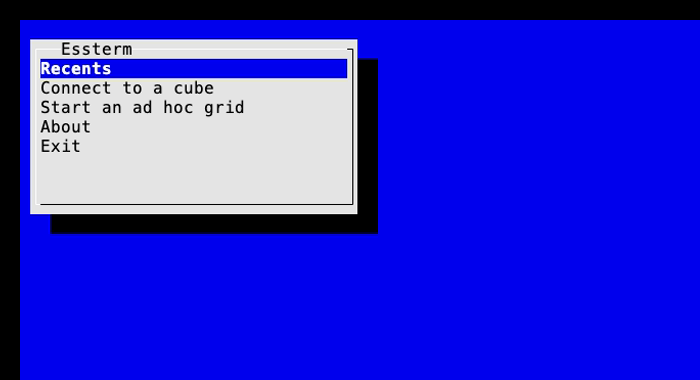
If your terminal is being difficult, java -Dessterm.swing=true -jar essterm-1.0.0.jar opens it in
its own resizable window instead. It is still a terminal, just one that brought its own chair.
Building from source is mvn package, and ./run.sh builds and launches in one go.
Okay, but why?
I will grant that nobody has been waiting for a text-mode Smart View. But there is a real use case here, and it is testing. A lot of Essbase work ends with someone asking “is the cube actually answering?”, and the honest route to an answer is usually a Windows machine with Excel and Smart View on it, possibly someone else’s. A terminal is closer to hand than that, and closer to the server. A few places where that matters:
- Smoke testing after a change. You have patched, migrated, restarted or restored. SSH to a box, launch Essterm, open the cube and drill a couple of levels. Thirty seconds, and you know the server is answering real retrieves rather than just a health check.
- Taking the desktop out of the equation. When a user says Smart View is broken, is it Essbase, the network, a proxy, or their Excel? Running a retrieve from a Linux host on the same network as the server answers that without touching the user’s machine.
- Checking security as the user sees it. Log in as a test account and look at the grid.
#NoAccesswhere you expect it – and, more usefully, not where you do not – tells you more about a filter than reading its definition does. - Load, calc, look. Essterm can run a calc script from the grid with
!, so you can calculate and check the result without leaving the keyboard. - REST versus Java API. If you are moving tooling off the Java API, a build with both backends lets you open the same cube through each and compare what comes back.
- Servers with nothing on them. A container, a jump host, a locked-down Linux VM. Essterm needs Java and a terminal, and that is all.
There is one more that I did not plan. The screenshots in this post, and on GitHub, are recorded by VHS from a script in the repository that launches Essterm, connects to a real server, and waits for each screen to appear before moving on. If the server is not answering or a screen never shows up, the recording fails. So the thing that makes the pretty pictures is also, quietly, an end-to-end test.
The real reason: essbase-rest-client
Here is the part I am most excited about. Essterm is also a deliberate testbed for essbase-rest-client, the open source Java library for the Essbase REST API that we maintain at Applied OLAP. Every REST ad hoc operation Essterm performs goes through it.
Ad hoc is where the REST API is at its least documented. The field names suggest one thing, and the server sometimes does another. Driving the library from a real client, against a real server, one zoom and pivot at a time, is how a lot of that got worked out. Much of the library’s documentation of its cube view – what is verified, what quietly does nothing, and what is still unconfirmed – came directly out of Essterm.
It pays off in ways that are easy to miss. Essbase 26.1 broke an endpoint the library leaned on
when opening a fresh ad hoc grid: GET /session started answering with a 500, where 21.7 answers
with the expected JSON. That is exactly the kind of thing Essterm trips over first, because
opening a grid is the first thing it does. The library now avoids that endpoint in the common
case, and your code gets the fix without ever having met the bug.
The library has been busy lately. It is on Maven Central as
com.appliedolap.essbase:essbase-rest-client, currently 2.0.2, and it now publishes a
documentation site with the Javadoc,
a version history of every endpoint Oracle has added to the REST API from 21.1 through 26.1, and a
coverage report showing
which endpoints the library reaches. I am biased, obviously, but I think it is the best public
Essbase REST client for Java. I have not found a better one in any other language either, and I
have looked.
If the REST API is new to you, my REST API primer for EPM users and developers is still a decent place to start, even if Essbase has moved on a bit since.
Try it
Grab the jar from the releases page, point it at a cube and see what you think. It is a personal project and still rough in places, so issues and pull requests are very welcome. And if you find a genuinely useful thing to do with a text-mode Essbase client that I have not thought of, I would love to hear about it. The Pilgrims would have wanted it.